
Subscribe to our newsletter
for the latest edTech news, free resources and competitions!
2DIY 3D | Purple Mash Tools
Feb. 4, 2026
Each month we highlight a #MashoftheMonth, focusing on a tool or application within Purple Mash and how it can be used within the classroom to support learning across the curriculum. During the month, if you share how you have used the #MashoftheMonth, you will then be entered into a draw to win a 2Simple Goody Bag!
This February the Mash of the Month is 3D game design tool 2DIY 3D.
Purple Mash's game creation tool has been updated with exciting new features that give pupils more creative freedom and control over how their games look, feel and play. The update includes a new coding feature, while still keeping the classroom-friendly simplicity from Purple Mash that teachers love.
What is 2DIY 3D?
2DIY 3D allows users to create a themed maze with 'treasure' and 'baddies' that affect the player's success. The maze is played in a 3D view. Pupils can add instructions for their game and can choose various customisation options. The games are really adaptable and finished mazes can be shared in a number of ways.
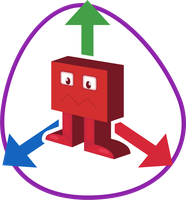
Designing 3D games is a brilliant way to challenge children of all abilities across multiple subject areas. It’s about a lot more than just technology and combines several disciplines. Games designers are usually part of a team including programmers, developers, artists and animators working together to transform ideas into the finished game.
New Game Elements
In the updated version of 2DIY 3D, pupils can now add:
- Characters they can control
- Doors and keys for puzzles and level progression
- Powerups and collectibles
- Switches and hotspots
- Interactive questions linked to objects and baddies
- Costumes and animations for characters and objects
- 3D characters and objects
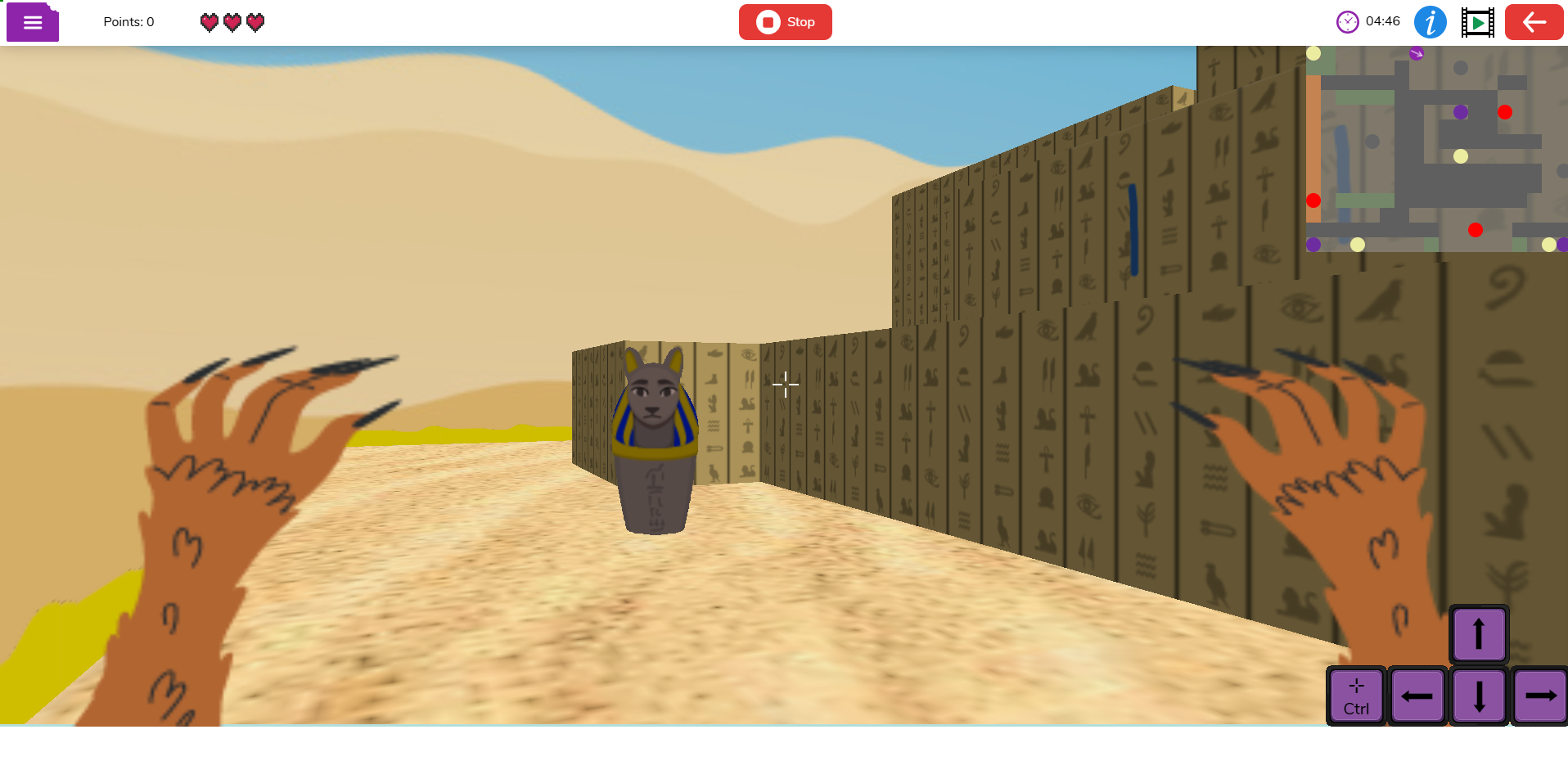
Pupils can also add atmosphere and effects such as:
- Weather effects such as rain, fog and snow
- Fire and water hazards with customisable colours
- Background music and sound effects for each level
To have greater control over their game, they can now:
- Customise wall heights for more realistic levels
- Create maps of different sizes to create corridors, open areas or custom layouts
- Draw their own sky and ceiling, or choose from presets
- Add edge images to frame the game world
Game Modes
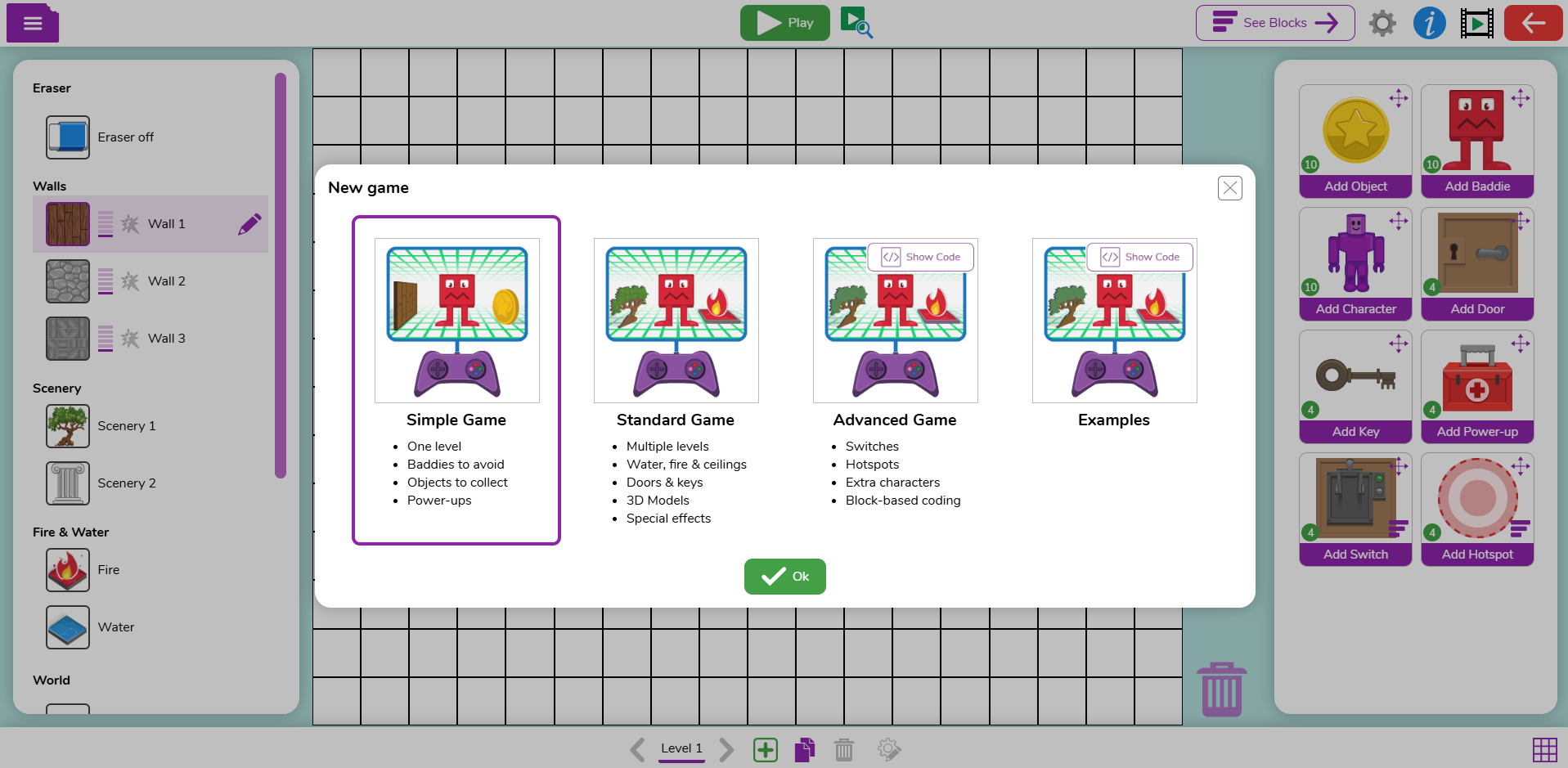
There are now three game modes:
Simple Mode
As the name suggests, Simple mode makes game design simpler by limiting the design options available to children. It is only possible to build one level and there is just one kind of wall and one kind of scenery, such as trees, that can be used, making it ideal for younger learners. Children can add baddies to avoid, objects to collect and powerups.
Standard Mode
Meanwhile, Standard mode includes multiple levels, two types of walls and two types of scenery that can be completely customised using templates, other Purple Mash tools such as 2Paint, or imported from elsewhere. There are more audio options too. Children can also make baddies and objects 3D, as well as add doors with keys, and hazards such as water and fire.
Advanced Mode
Advanced mode is perfect for those games designers in years 5 and 6, or those who want more of a challenge. In this mode, they are able to add switches and hotspots, as well as extra characters. They can also access block-based coding to further customise their game and understand how it all works.
Ideas and inspiration
2DIY 3D games are adaptable to whatever topic you are studying. From nature themes to Greek Labyrinths, designing games is a fantastic way for children to develop a narrative. It might be based on a theme or a favourite Purple Mash Library book for example. Using the same characters from their favourite book, they could retell the story, or develop it further, imagining what happened before the story began or what happens after it finishes.
The ability to build multiple levels allows children to really develop a story over time and there are resources within the 2DIY 3D area that help with this. Head there and you’ll see two different types of game planners, one which is a leaflet template, and one that uses 2Connect to enable children to plan their games together remotely, in real-time. There is also a printable background grid that could be laminated and re-used by children as they work together to plan each level of their games. There are also plenty of showcase games and videos for inspiration.
If you’re not a subscriber, you can try Purple Mash free for 14 days.
The Purple Mash Games Design Competition
Now is a perfect time to explore 2DIY 3D as our Games Design Competition launched in February.
The Purple Mash Games Design Competition will give children the opportunity to explore game creation in a safe environment using 2DIY 3D as well as creating their own graphics and music using complementary tools such as 2Beat and 2Paint.