
Subscribe to our newsletter
for the latest edTech news, free resources and competitions!
How to Teach Computing in Primary Schools (even if you're not a specialist)
July 21, 2026
Teaching primary Computing can feel overwhelming, particularly if you're not a Computing specialist. From managing logins to teaching coding, online safety and digital literacy, many teachers are expected to deliver high-quality Computing lessons with limited subject knowledge. In this blog, Allen Tsui shares how Purple Mash helps teachers deliver engaging Computing lessons that build confidence, save time and improve outcomes for pupils.
One of the perpetual challenges for anybody when teaching Computing irrespective of whether you have the subject knowledge of a specialist or not is how much time it actually takes from a classroom of thirty children to be sat down at tables, devices in hands and logged in, ready to learn - and actually learning.
My name is Allen Tsui. I teach at Willow Brook Primary School Academy in East London. I am proud that my school has, since March 2025, been a Purple Mash Pioneer School, because all the children at the school I work for absolutely love using Purple Mash.
Quick and Easy Logins
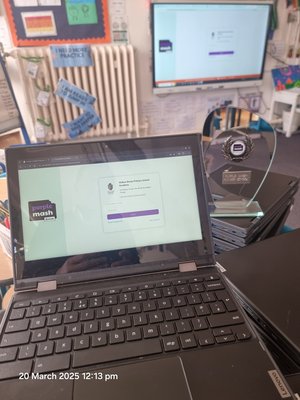
From pupils arriving in their classroom to being logged in to Purple Mash and learning starting, can be completed in less than six minutes for the entire class of thirty Year 2 pupils. The Headteacher and other Senior Leadership Team colleagues can walk into any Computing lesson at any time and clearly see everybody’s focus, determination and concentration as every child is engaged with the activities on Purple Mash, rather than still trying to log in.
The simple log-in procedure is also the perfect way of teaching online safety to children as young as aged 5, as the platform is a perfect example of a safe website to use where information is kept private.
The impersonate pupil feature means that not being able to remember passwords is not an issue. Ever since 2020, parents and carers have been invited to sign up for access via the Parent Portal. This enables the children to feel even more proud of the work they create because they know that it can be seen not just by the teachers, but also by adults at home.
Computing in EYFS and beyond
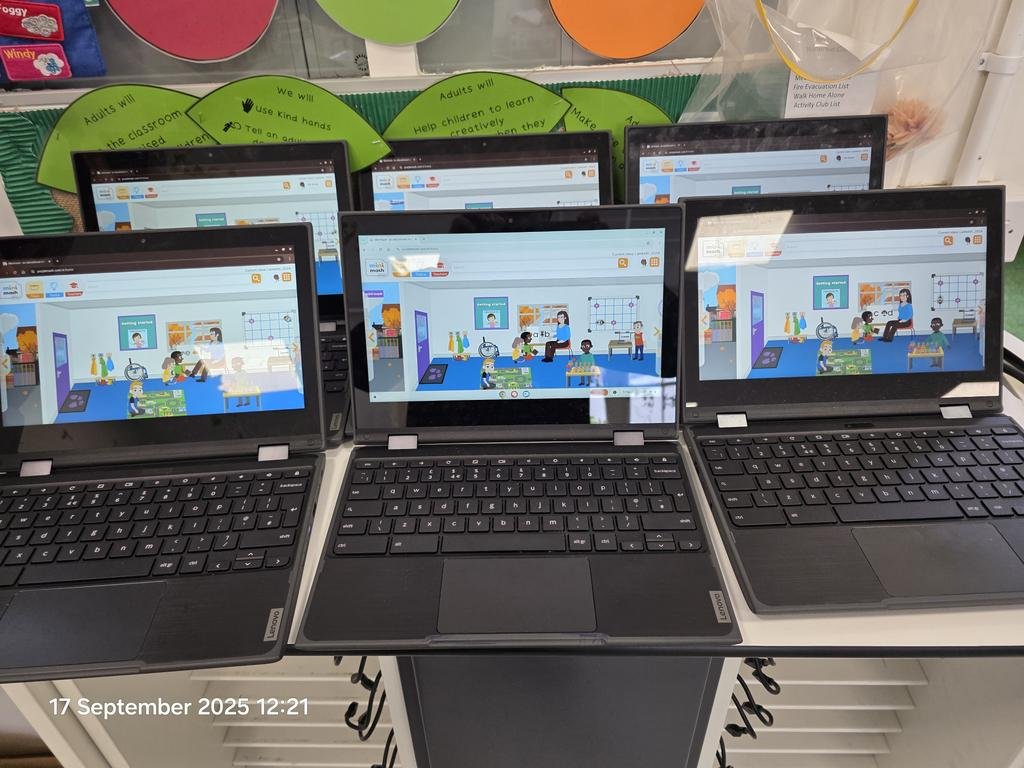
By having a whole school subscription to Purple Mash, children in Nursery and Reception can be introduced to Purple Mash via the Mini Mash platform. This means that by the time the children progress into Year 1, children have confidence and independence with using the online platform - which is a life skill, given our increasingly digital world.
Taking a whole school approach too with using Purple Mash means that for those who find themselves in subject leadership positions can secure that consistency as the children travel through their learning journeys.
Purple Mash is perfect for providing that inclusive learning experience where learning can be customised so that it is accessible at an individual level, with a wide and rich range of resources to enable every child to showcase their learning with plenty of opportunities to stretch, extend and be challenged.
Computing at Home
The children’s enthusiasm for the platform is such that many families at the school I work for have asked to have parent access to Purple Mash which is really easy to set up and manage. Given the extensive curriculum-centred activities and resources available, families value how Purple Mash provides positive technology time instead of mindlessly scrolling through short-form videos and the risk of being exposed to inappropriate content.
An Ambitious Primary Computing Curriculum
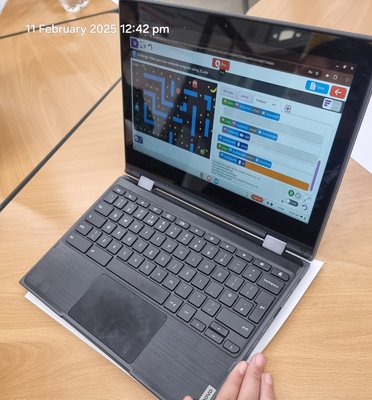
In our school, the scheme of work for supporting the teaching of Computing is the most used part of the platform. It is a perfect complement to the way Computing is taught at Willow Brook. The highly structured and ambitious Computing curriculum at Willow Brook means that over 15 percent of the children are working at a standard two years above age related expectations. Purple Mash's 2Code tool enables the children to get into block coding so much faster than scrabbling around for stages and sprites. Our children in Year 6 are also able to get into learning text-based programming by making use of the Python in Pieces as it's included within Purple Mash, instead of having to be introduced to Python for the first time in Year 8.
For those who are either new to teaching Computing or have had the experience of teaching Computing as part of your classroom duties in KS1 for example but have moved to KS2 and vice versa, the planning documentation and curriculum maps are an excellent starting point to refresh our minds as to what a knowledge rich, purposeful, practical computing curriculum looks like. Even for those of us who have that classroom experience and subject knowledge, these strategic planning documents are a useful reminder, benchmark or way of moderating or quality assuring our own teaching practice - because unlike teaching other subjects like Maths, English, Geography or History, Art or DT, every school is likely to have a number of teachers who are able to share their ideas and experiences. For Computing, either colleagues are reluctant or feel a sense of reticence to share their experiences because they might feel the children know more…
By providing versions of real world apps such as the word processing tool or spreadsheets and databases, children are able to put their Digital and Media Literacy skills into practice in a real, relatable and relevant way. The 2Do function means that as teachers, we do not need to spend most of any lesson directing the children to sign into a device, find the app on the device, open the app and so on. Log in. Click on the 2Do activity and the learning happens. Teachers can easily track how the children are progressing through the Purple Mash Data Dashboard. There’s no complicated procedure to “turn in” an assignment as with Google Classroom or having to use e-mail addresses to “share” files via Microsoft Teams. Setting activities 2Dos is really easy and can include content that is not on Purple Mash by using the file upload function.
To find out more about how Allen uses Purple Mash in his school, join us in our webinar on 29th September: Teach Like a Computing Specialist with Purple Mash.
In the session, Allen and our team will cover:
- What effective primary computing teaching can look like
- How Purple Mash supports non-specialist teachers
- Using lesson plans, resources and tools to reduce workload
- Ideas for building pupil confidence and independence
- How computing leads can support consistency across school
There will also be time for questions at the end of the webinar.